Secrets AI Video Generator: How It Works, Quality, and Cost
Secrets AI is one of the only AI companion platforms with built-in video generation. Character.AI, CrushOn AI, Janitor AI, and most competitors do not offer it at all. Candy AI has limited video. Secrets AI's implementation generates short clips from companion images in approximately 2 minutes, at a cost of 50–600 Moments per clip. Quality rates 4.1/5. Here is everything you need to know before spending Moments on it.
What Is the Secrets AI Video Generator?
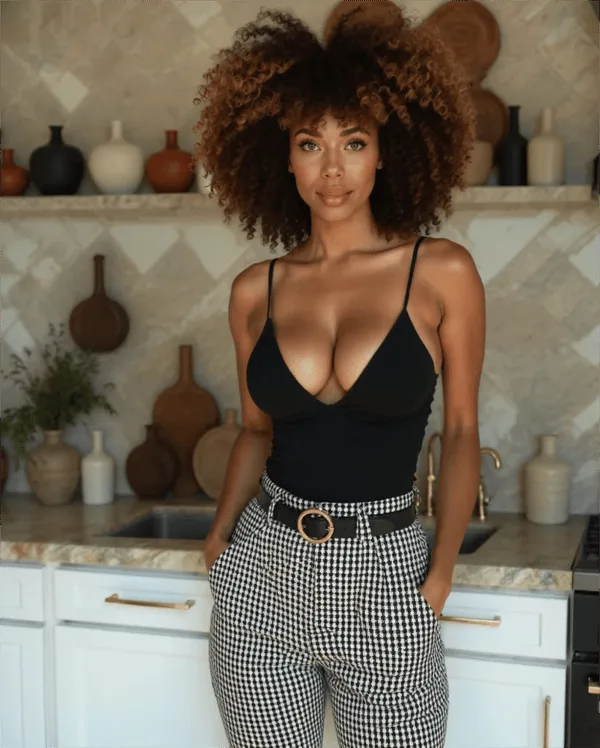
The video generator converts existing AI companion images into animated short video clips using a text prompt describing the desired motion or action. This is technically an image-to-video generation pipeline built on deep learning infrastructure — similar in principle to tools like Runway or Stable Diffusion video extensions, but integrated directly into the companion platform workflow.
The feature is available from the Lite plan ($5.99/mo) and above. Free plan users cannot access video generation. This is Secrets AI's most frequently cited unique selling point in reviews and competitive comparisons: no major free-entry competitor in the AI companion space offers comparable video generation capability. For the full platform context, see the complete review.
How Video Generation Works
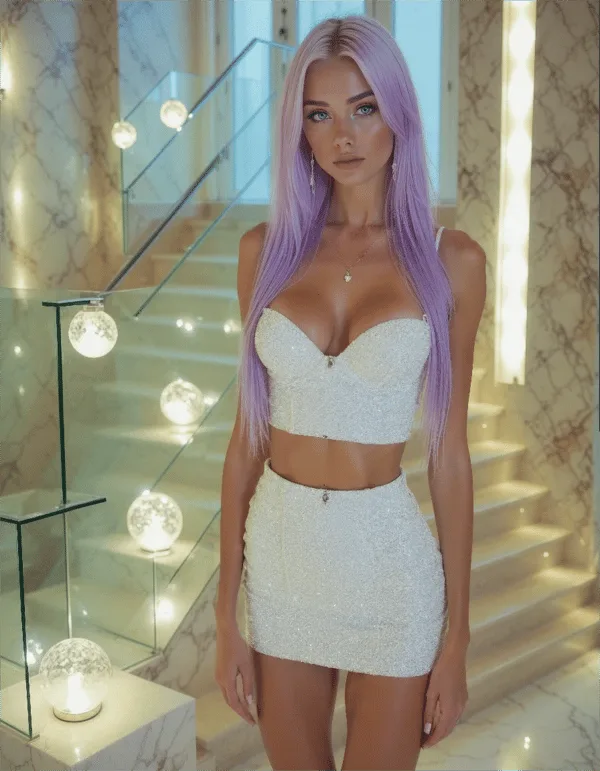
The process is straightforward:
- Select or generate a source image — choose from existing companion images in your gallery, or generate a new image specifically for video conversion (25–50 Moments)
- Write a text prompt — describe the desired movement, action, or scene change (e.g., "turns toward camera and smiles," "walks forward slowly," "hair moves in wind")
- Submit and wait — processing takes approximately 2 minutes
- Save the completed clip — the video is added to your gallery
Videos are context-aware: the AI references the companion's established appearance and, where relevant, the conversation scenario. Prompts that align with the source image's composition produce the most consistent results. Complex transformations or actions that contradict the source image's pose tend to produce lower-quality outputs.
Short 3-second clips are available on the Lite plan. Longer clips and higher quality tiers are accessible on Plus and above.
Video Quality Assessment
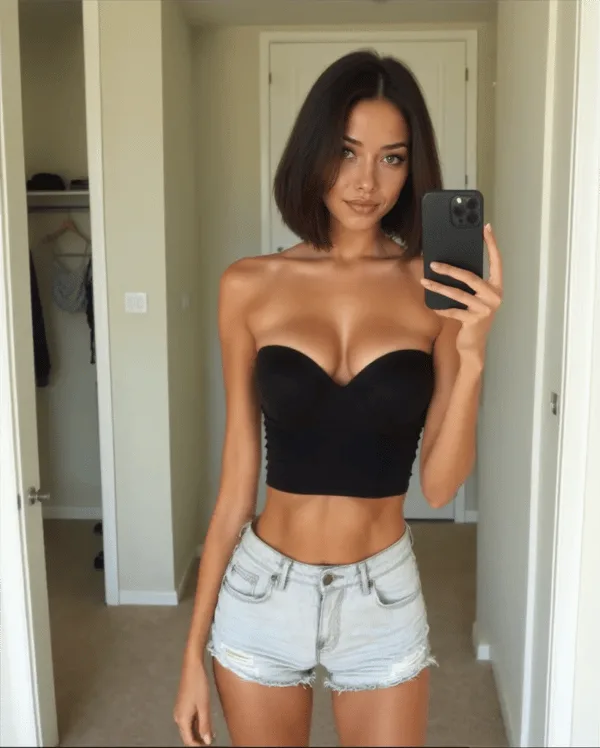
Overall quality rating: 4.1/5 — based on independent reviewer assessments.
What the rating reflects:
- "Look good and move smoothly most of the time"
- Realistic character movement consistent with source image anatomy
- Natural facial expressions in most outputs
- Coherent motion across the clip duration — no jarring jumps or artifacts mid-clip in typical outputs
Quality variables that affect output:
- Prompt complexity: Simple, clear motion descriptions produce better results than multi-part complex prompts
- Source image quality: Higher-quality source images with good lighting and clear anatomy produce better video outputs
- Generation model: Premium and Advanced generation models (available on higher plan tiers) produce noticeably better results than the standard model
- Clip length: Shorter clips (3 seconds) are more consistently high-quality than longer clips where motion coherence becomes harder to maintain
Occasional quality variations are documented — Secrets AI uses AI art generation infrastructure (deep learning models related to Stable Diffusion-type architectures), which inherits standard AI generation imperfections including occasional anatomical inconsistencies in complex poses.
How Much Do Videos Cost in Moments?
| Video Type | Moments Cost |
|---|---|
| Short clip (3 seconds) | ~50 Moments |
| Standard clip | ~200–300 Moments |
| Long/high-quality clip | ~600 Moments |
The 10x spread between the cheapest and most expensive video option is significant. On a Lite plan with 1,000 Moments/month, budget implications by clip length:
| Plan | Moments/mo | Short 3-sec clips | Long clips |
|---|---|---|---|
| Lite | 1,000 | ~20 clips max | ~2 clips max |
| Plus | 3,000 | ~60 clips max | ~5 clips max |
| Premium | 8,800 (with bonus) | ~176 clips max | ~14 clips max |
| Ultimate | 17,250 (with bonus) | ~345 clips max | ~29 clips max |
These are maximums if all Moments are spent on video. In practice, users split Moments across text, images, and voice, so real video budgets are lower than the maximums shown.
Key insight for planning: If you intend to generate long, high-quality video clips regularly, the Ultimate plan ($39.99/mo) provides the only budget with meaningful headroom. Premium ($19.99/mo) is the minimum practical tier for moderate regular video use — 13–14 long clips per month, balanced with image and voice spend.
Video vs Images vs Voice — Cost Comparison
| Feature | Cost | Output |
|---|---|---|
| Text message | 1–2 Moments | Text response |
| Image | 25–50 Moments | Single static image |
| Short video (3s) | ~50 Moments | Brief motion clip |
| Full video | ~600 Moments | Longer motion clip |
| Voice call | 100 Moments/minute | Real-time audio |
For the same 600 Moments, you can generate: 1 full video clip OR 12–24 images OR 6 minutes of voice calls. This comparison makes video the highest-value media format for users who specifically want animated content — a single clip versus 12–24 static images. For users who prefer audio interaction, voice calls are more economical per unit of output.
The Moments allocation on different plans determines which use pattern is sustainable. See the pricing guide for the full per-tier Moments breakdown.
Tips for Better Video Results
Practical guidance based on the platform's image-to-video pipeline mechanics:
- Use high-quality source images — portrait shots with clear lighting and neutral pose backgrounds produce the most consistent video output
- Write specific, single-action prompts — "slowly turns head to the right" outperforms "walks across room, looks at camera, and waves"
- Test with short clips first — generate 3-second clips (~50 Moments) to evaluate prompt effectiveness before committing to full-length clip costs (~600 Moments)
- Use the Premium generation model — the quality difference from standard to premium generation model is measurable in video output, not just images
- Generate images specifically for video conversion — images captured from ideal angles and poses for motion tend to produce better video than random gallery images
- Save Moments by pre-generating images in bulk — 4 images are auto-generated per character creation; use these as video source material before generating additional paid images
Who Should Use the Video Generator?
Worth the Moments if:
- You value animated content alongside your AI companion interaction
- You want unique visual media from your companion to save or share
- You engage with the platform as a visual media creation tool, not just a chat interface
- You are on Premium or Ultimate where Moments budget makes regular video generation sustainable
Not worth it if:
- You are on a tight Moments budget (Lite or Plus) and primarily text-focused — video will dominate your monthly allocation quickly
- You do not care about visual content and use the platform exclusively for conversation
- You are testing the platform on a free account — video is not accessible on the free tier
Recommended tiers for video use:
- Occasional video (1–5 clips/month): Plus ($9.99/mo) with 3,000 Moments
- Regular video (5–15 clips/month): Premium ($19.99/mo) with 8,800+ Moments
- Heavy video (15+ clips/month): Ultimate ($39.99/mo) with 17,250+ Moments
Competitors with Video Generation
The competitive landscape for video generation in AI companion platforms:
| Platform | Video Generation | Notes |
|---|---|---|
| Secrets AI | Yes — 50–600 Moments | Core feature, image-to-video |
| Candy AI | Limited | Less developed implementation |
| CrushOn AI | No | Text and images only |
| Character.AI | No | Text only |
| Janitor AI | No | Text only |
| SweetDream AI | Yes | Comparable implementation |
| Xotic AI | Yes | 4K quality, 15-second clips |
Secrets AI's video generation is a genuine differentiator. Xotic AI offers 4K 15-second clips which exceeds Secrets AI's specification for users who prioritize maximum video quality. SweetDream AI has a comparable implementation. Among the mainstream AI companion platforms most users encounter (Candy AI, CrushOn AI, Character.AI, Janitor AI), Secrets AI stands alone on video generation capability.
For the full competitive comparison across all features, see the alternatives guide.
FAQ
Lite plan users can generate 3-second clips. Higher plans unlock longer clip lengths, with the longest clips running significantly beyond 3 seconds at costs up to 600 Moments per clip. Exact maximum clip lengths for each tier are not publicly specified by the platform, but the 3-second Lite limitation and 600-Moment cost ceiling for the longest clips are documented.
No. Video generation requires a Lite plan ($5.99/mo) or higher. The free plan's 200 starting Moments cannot be used for video generation even if the feature were accessible. Upgrade to Lite for access to 3-second clips, or Plus ($9.99/mo) for full video generation without clip-length restrictions.
It depends on clip length and your plan's Moments allocation. On Plus (3,000 Moments): approximately 5 full-length clips (at 600 Moments each) if all Moments go to video, or up to 60 short 3-second clips (at 50 Moments each). On Premium (8,800 Moments): approximately 14 full-length clips or 176 short clips at maximum allocation. Real numbers are lower because most users split Moments across images, voice, and text memory saves alongside video.
Video quality is rated 4.1/5 by independent reviewers. Most outputs show realistic character movement, natural facial expressions, and smooth motion. Quality varies based on prompt complexity, source image quality, and generation model — Premium and Advanced models produce better outputs than the standard model. Complex motion prompts with multiple simultaneous actions tend to produce lower-quality outputs than simple, single-action descriptions.